Tick in one tap
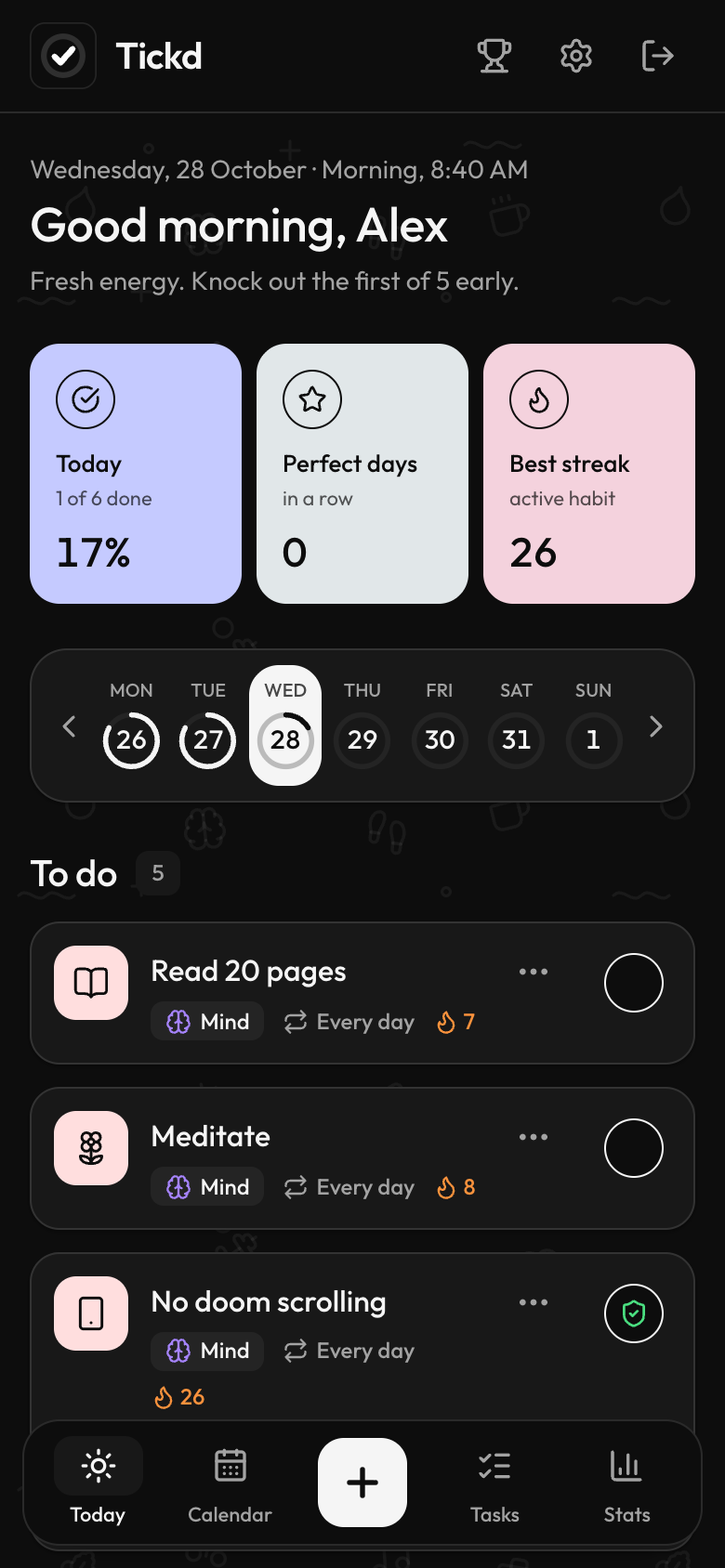
Today shows only what's due. Tap the circle and it's done — no menus, no forms, no guilt list from last month.
Tickd turns the habits you want into a short list for today. Tap to tick, log a number or report a slip — and watch your streaks, momentum and stats grow.
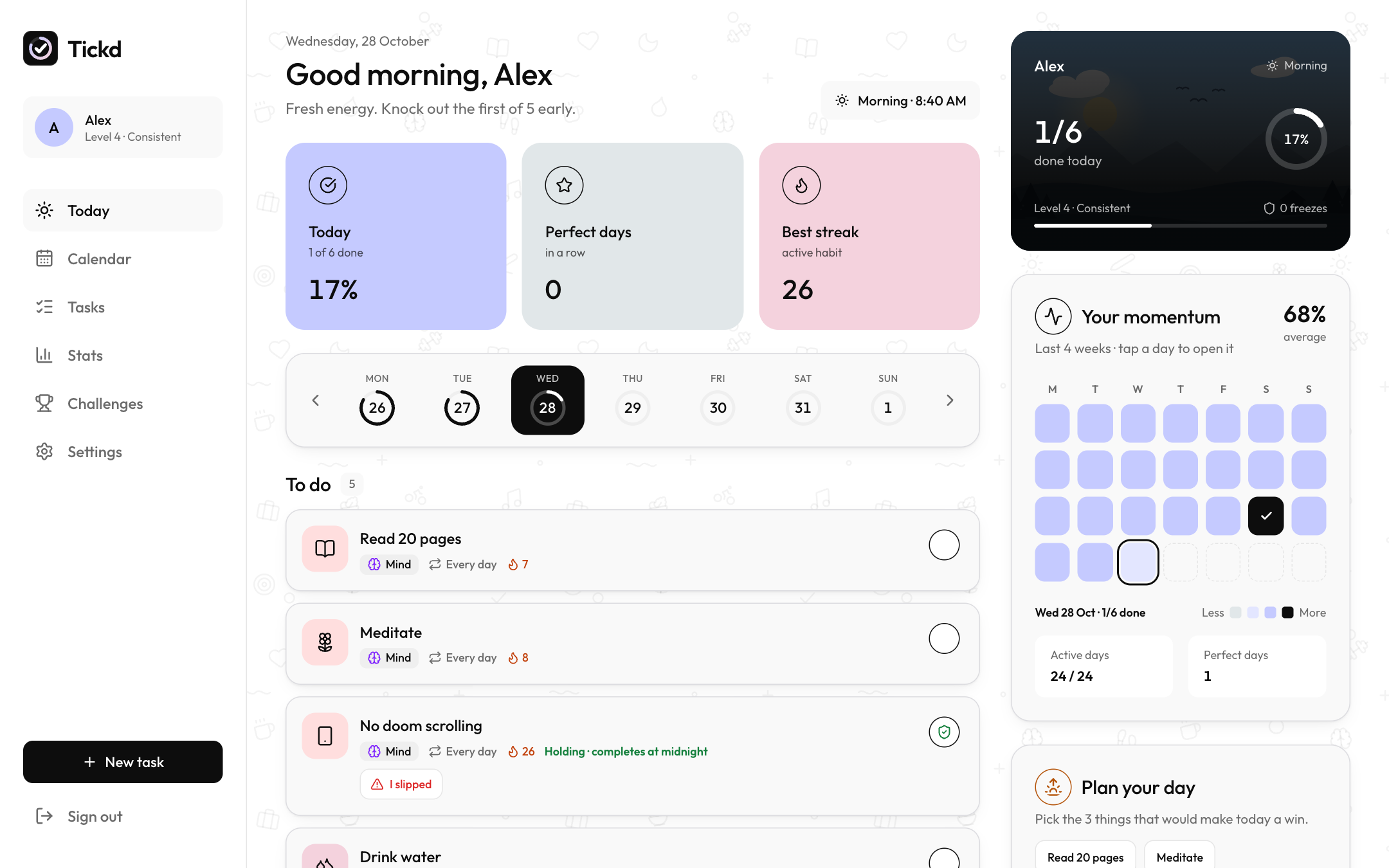
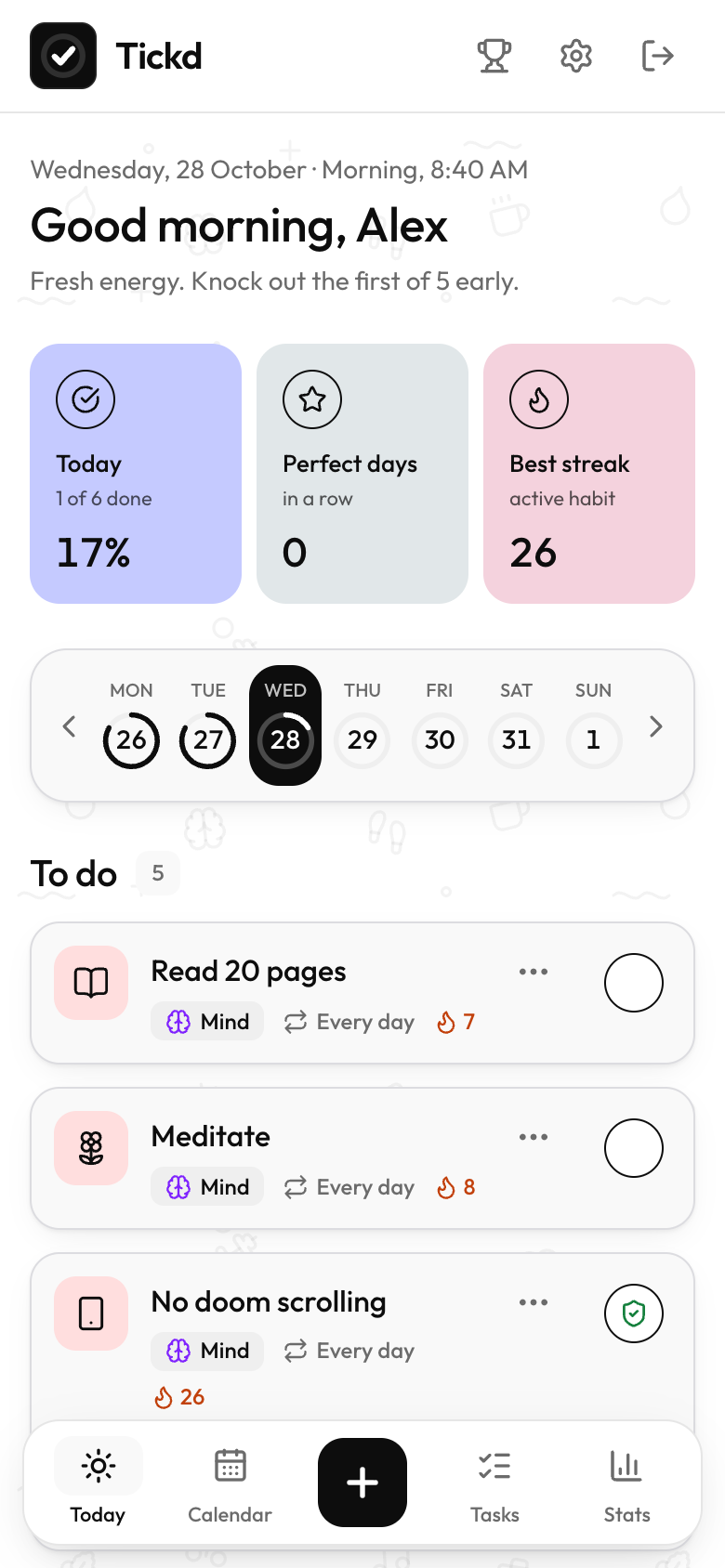
Today shows only what's due. Tap the circle and it's done — no menus, no forms, no guilt list from last month.
A grace window for late ticks and streak freezes you earn with perfect weeks, so one off day doesn't erase months of work.
Task reminders, a morning plan and an evening check-in land in your notification bar — even when the app is closed.
How it works
Set it up once in a couple of minutes. After that, Tickd hands you today's list and keeps score for you.
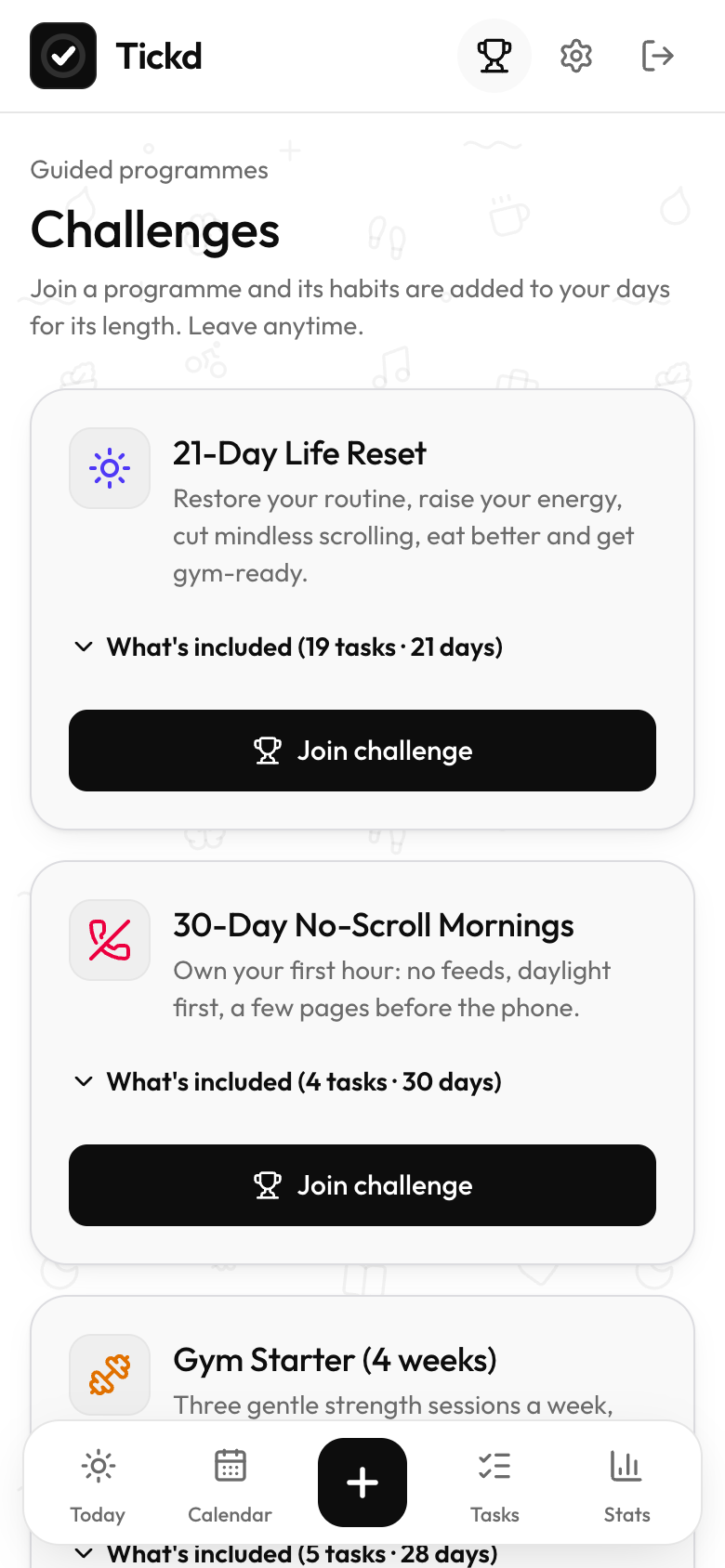
Start from ideas, join a guided 14–30 day challenge, or write your own — with the days, times and targets that suit you.
Tap to complete, add litres or minutes as you go, or hit “I slipped” on a habit you're quitting. Each day starts fresh.
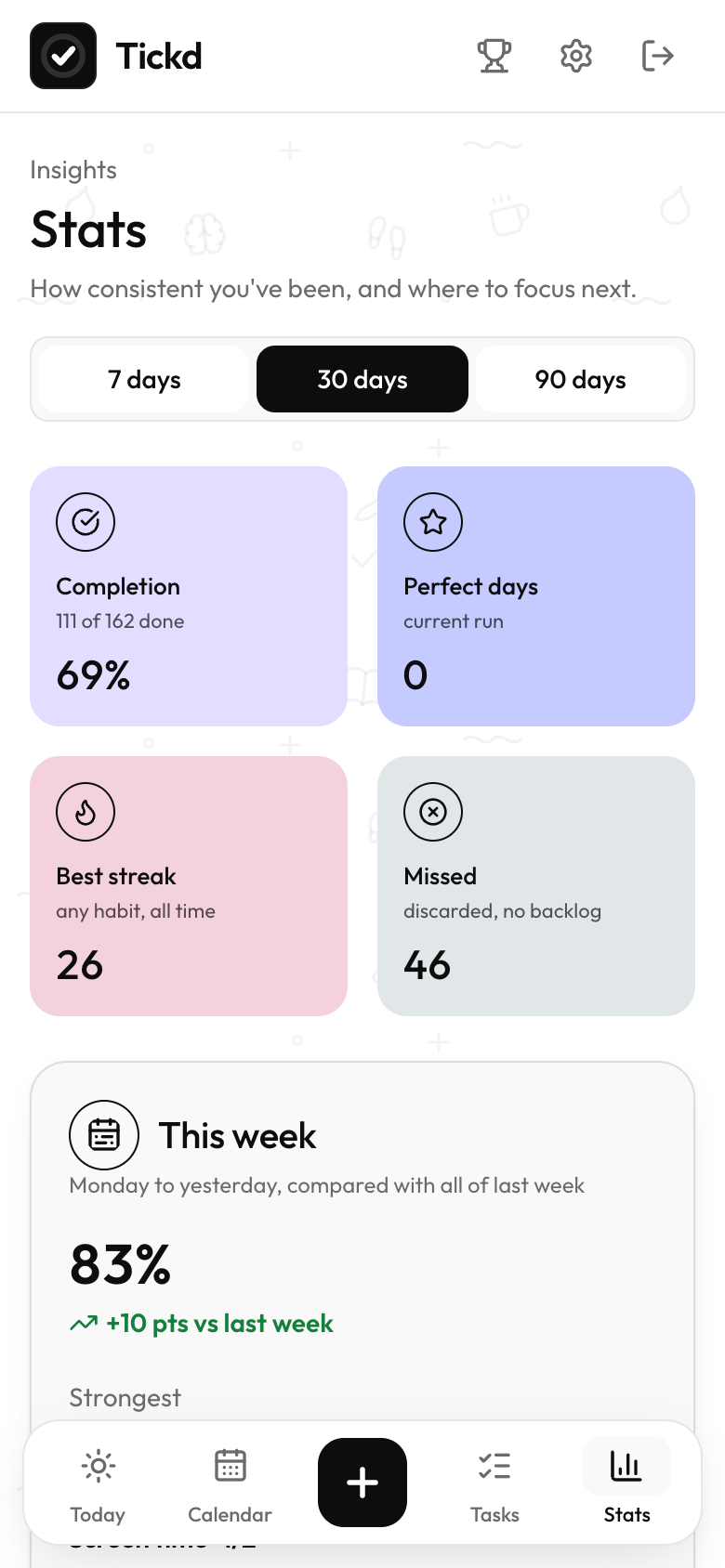
Streaks, perfect days, a 12-week heatmap and per-category rings show what's working — and what needs a nudge.
Habit rules
Not every habit is “every day, tick once”. Tickd understands the shape of each one, and settles it fairly at midnight.
Read 20 pages
Pick every day, weekdays or any set of days. Off days don't break the streak.
Strength workout
Hit the number any days you like — the streak counts in weeks.
Drink water
1 LLog as you go. It completes the moment you reach the target.
Screen time
Stay under and it ticks itself at midnight. Go over and it's honestly marked as missed.
No doom scrolling
I slippedAvoid habits count as held unless you report a slip. No ticking needed.
Morning run
Some habits only count at the right time. The window opens and closes on its own.
Inside Tickd
Today
Your remaining tasks sit at the top. Everything else waits below.
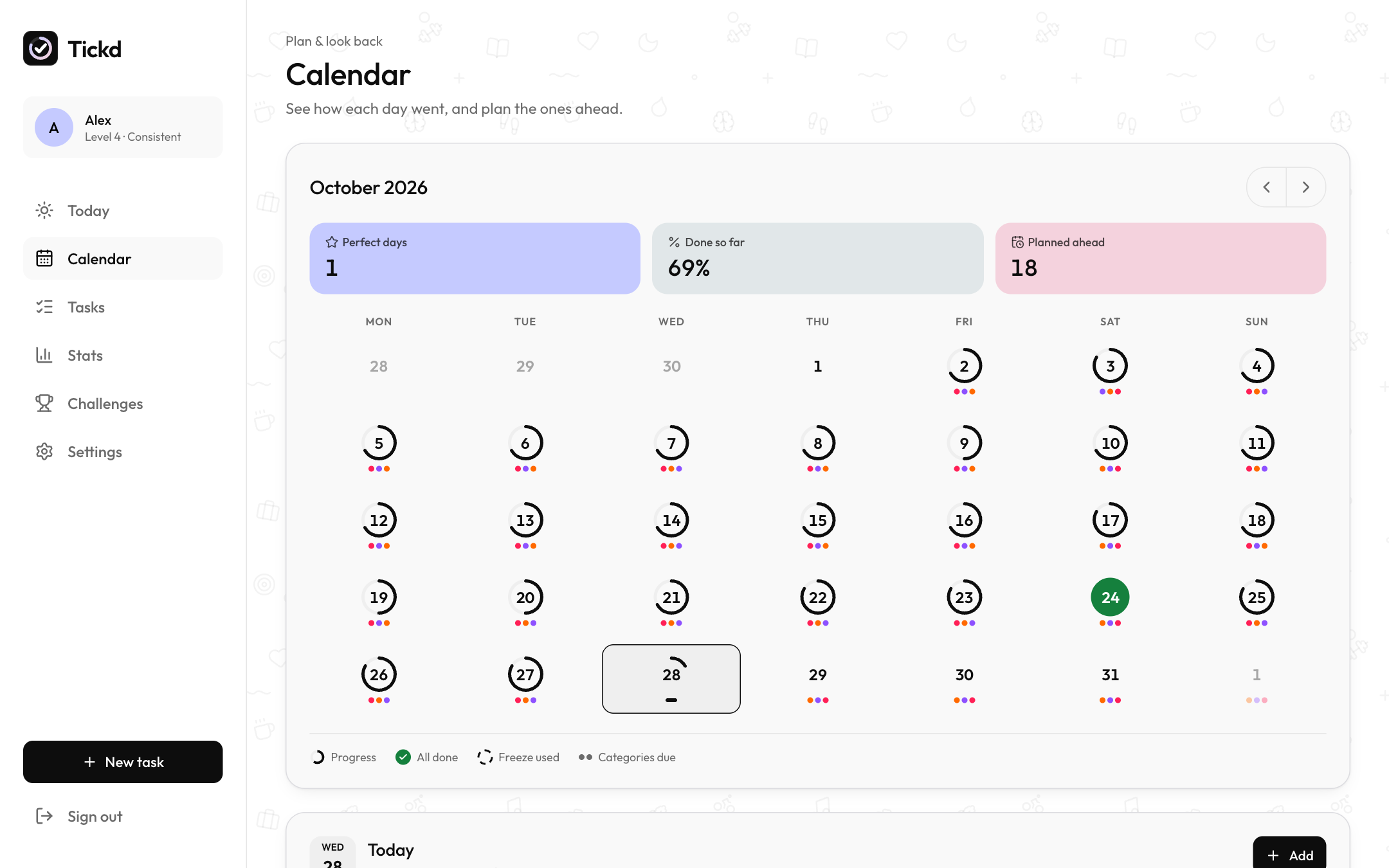
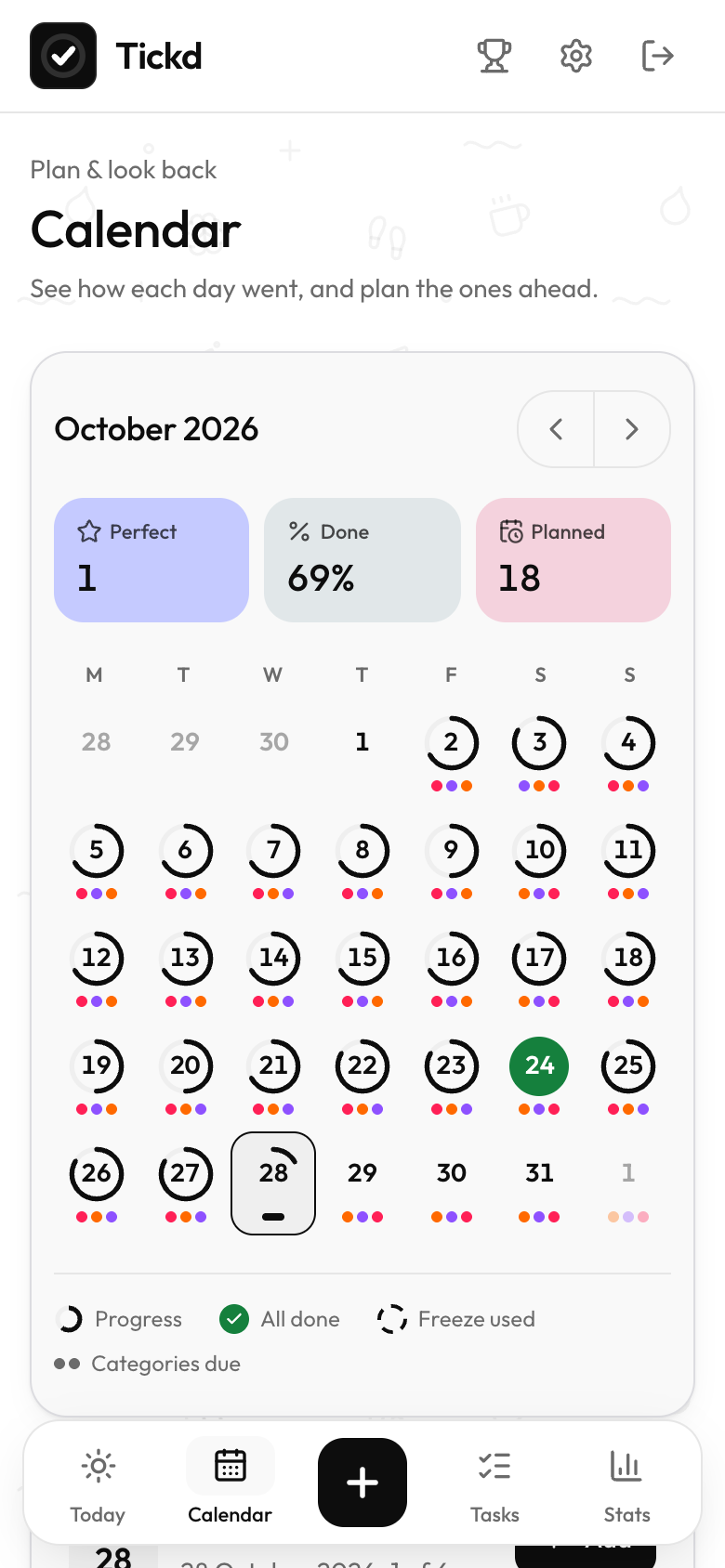
Calendar
Rings show how each day went. Tap any day to see it, or plan one-time tasks for later.
Stats
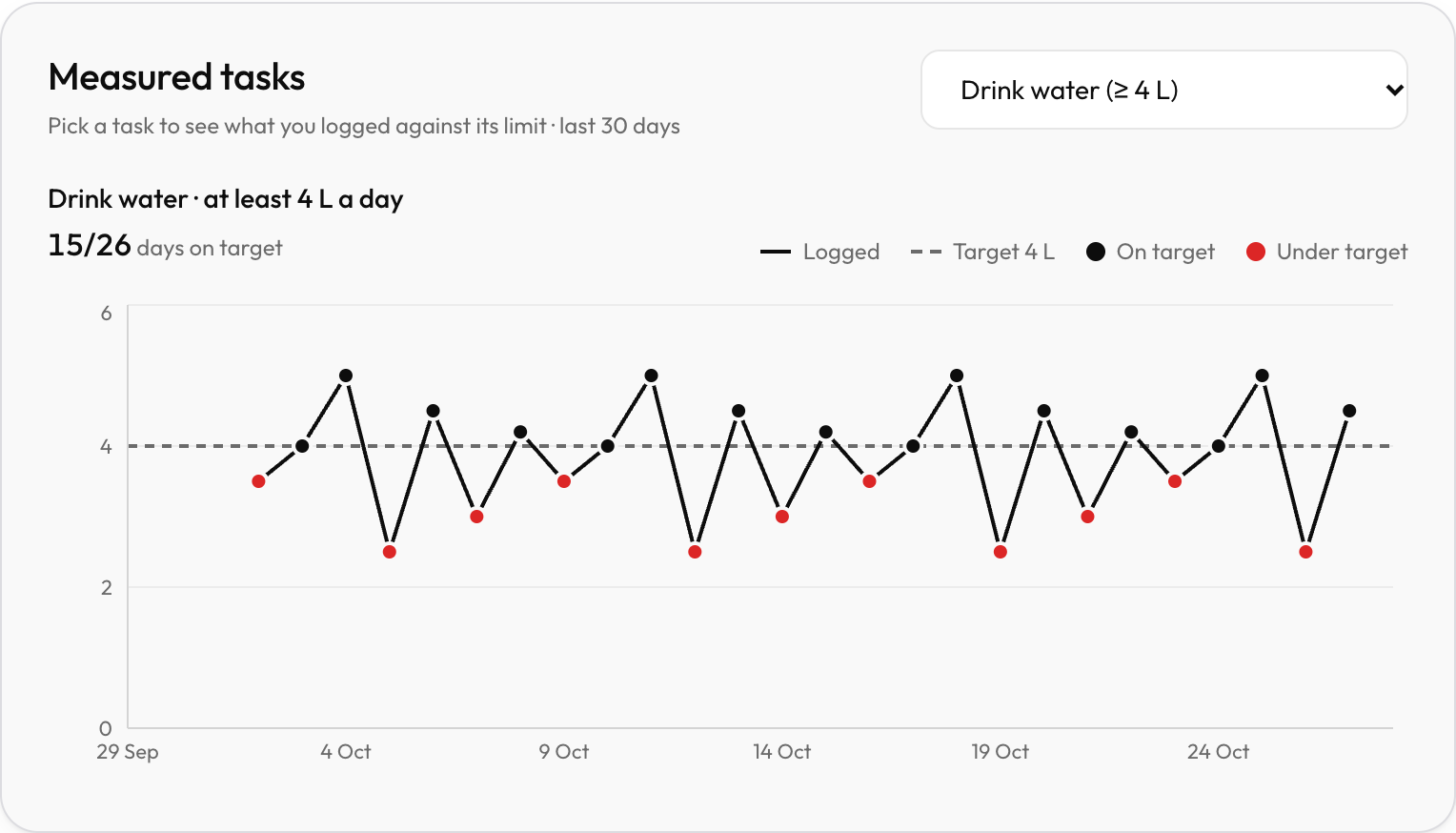
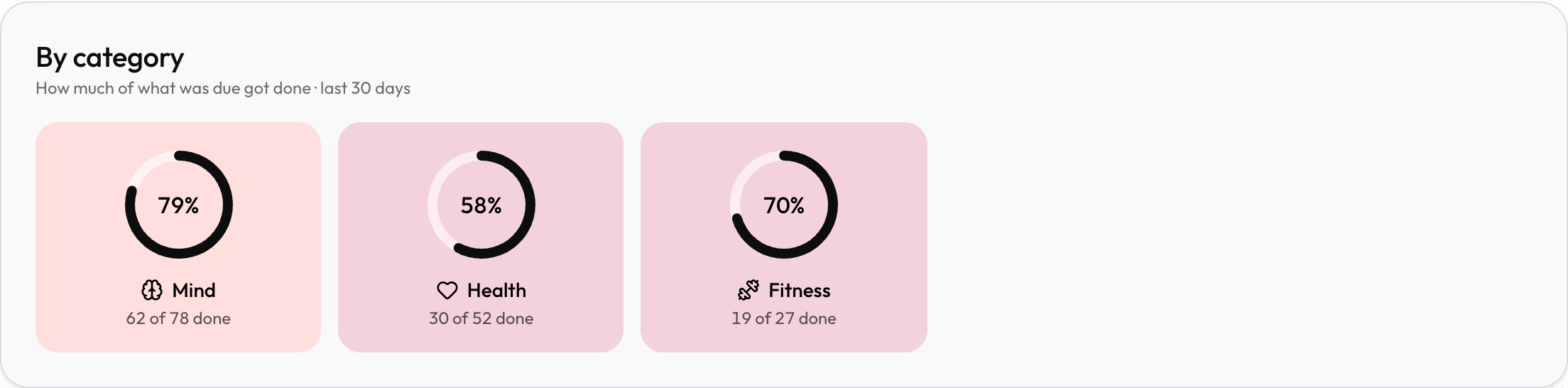
See completion by area of life, and every measured habit against its own limit — at least or at most.
And more
Earn one for every perfect week and use it to protect a day you missed.
Forgot to tick last night? Mark yesterday done until 8 AM, 10 AM or noon.
Start a timer from any task and stay with it until it's done.
Join a guided programme, or put a stake on the line to keep yourself honest.
Calm black-and-white with soft pastels, in whichever mode suits your eyes.
Share a private link. A friend sees your streaks and can send you cheers.
For the habits you want to prove — snap a photo or add a note when you tick.
Reminders
Turn on notifications once. Tickd sends the nudge at the right minute — straight to your notification bar, app open or not.
Your window opens at 6:00 — lace up.
Pick the 3 things that would make today a win.
Drink water and Meditate are still open.
No trial, no paywall, no ads.
Never sold. Export it any time, or delete your account in one step.
Use it in the browser or install it to your home screen.
Opens from your last saved copy and syncs when you're back.
FAQ
Yes. Sign up with email or Google and use every feature — no ads and no credit card.
No. Tickd runs in your browser on phone and desktop. For an app icon and notifications, add it to your home screen — your browser offers “Install” or “Add to Home Screen”.
Yes, on iOS 16.4 or later. Add Tickd to your Home Screen first (Share → Add to Home Screen), open it from there, then turn notifications on in Settings.
The day counts as missed — there's no backlog piling up. You can still tick yesterday during your grace window, and a streak freeze protects a missed day so your streak survives.
“At least” habits (water, steps, reading) complete once you reach the number. “At most” habits (screen time, sugar) complete at midnight if you stayed under the limit.
Yes. Pause a habit from the Tasks page and resume it later — its streak history stays intact.
Pick three small habits, tick them off tonight, and let Tickd keep score.